# How I Started Developing My Own NVIDIA Omniverse USD Composer Extensions
# How I Started Developing My Own NVIDIA Omniverse USD Composer Extensions
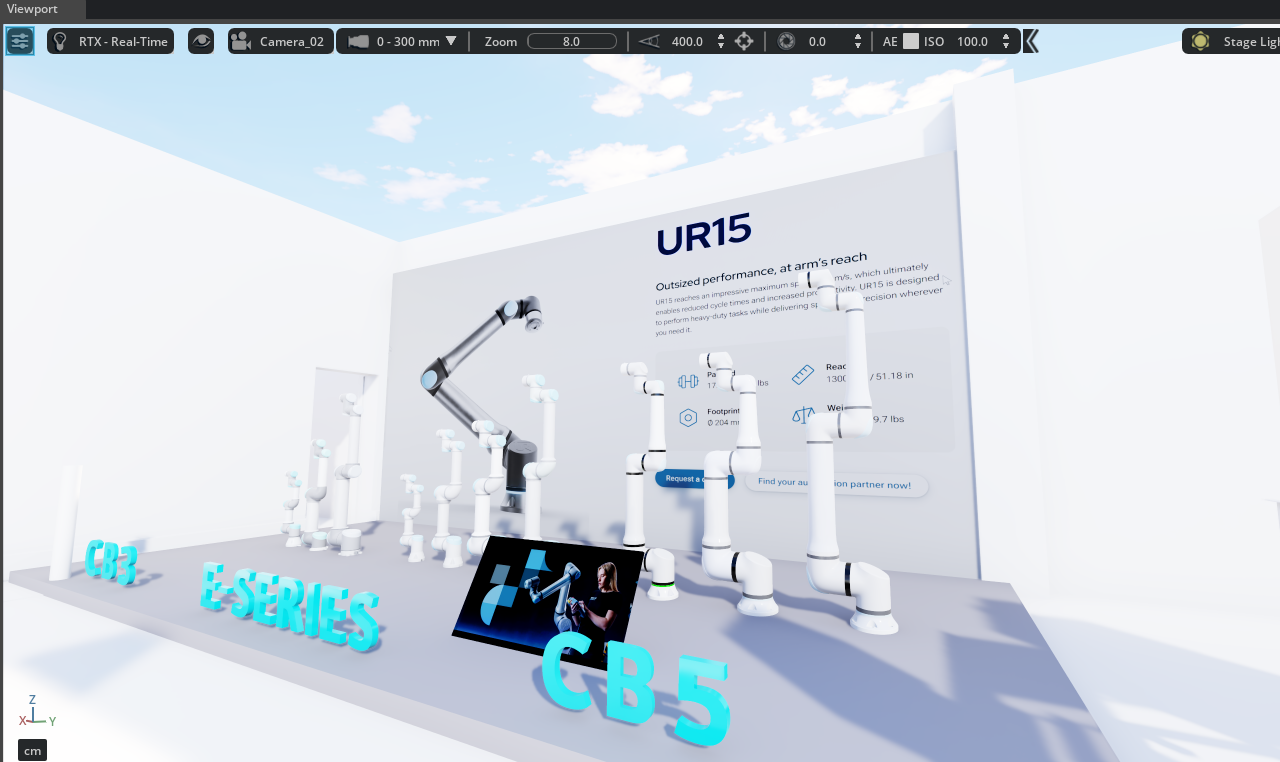
When you search for NVIDIA Omniverse or USD Composer today, you mostly find impressive marketing videos, huge digital twin promises, and perfect RTX renderings. Everything looks futuristic, powerful, and visually outstanding. What you find much less often are honest experience reports about how to actually get started, how complex Omniverse can be in the beginning, and what it really means to develop your own extensions.
That is exactly why I wanted to write this article.
My background is not in the classic 3D or gaming world. I come from industrial digitalization. For almost 20 years, I have been working with topics such as virtual commissioning, robotics, PLCs, material flow, and simulations in the automotive industry. Over the years, I have worked extensively with software such as Siemens Process Simulate and supported many different digitalization projects.
A few years ago, NVIDIA Omniverse entered the market, back then still with Omniverse Create. At that time, many applications were still started through the Omniverse Launcher, including Create, Audio2Face, and Nucleus. Around the same time, Siemens started providing initial interfaces between Process Simulate and Omniverse. This made it possible to transfer simulations and data from Process Simulate into Omniverse. That was the moment when the topic became really interesting for me.
However, I quickly realized that USD Composer is not a classic simulation software. It is more like a large platform or framework that offers an incredible number of possibilities. And that is exactly what makes Omniverse both fascinating and extremely complex. I often describe USD Composer as a kind of “Swiss army knife” for 3D, simulation, visualization, and industrial workflows. You can do almost anything with it — and usually in many different ways.
But that is also a challenge for beginners. If you do not define a clear goal at the beginning, it is very easy to get lost in all the possibilities. That happened to me as well. Everywhere you look, you see RTX, AI, digital twins, physics, streaming, robotics, Audio2Face, avatars, huge CAD worlds, and dozens of APIs. You immediately want to understand everything at once.
That is why my first step was not to directly start programming my own extensions. Instead, I first tried to understand how Omniverse actually works. I tested different NVIDIA tools, explored USD files, tried to understand the structure of prims and hierarchies, and learned how information is organized inside a stage. At the same time, I worked with topics such as CAD import, materials, textures, RTX rendering, path tracing, lighting, and shadows.
USD itself was especially interesting to me. In the beginning, you automatically ask questions like: Are USD files only metadata? Where is the actual geometry stored? How do layers, prims, and references work together? These are things you need to understand before you can build meaningful custom functionality.
At some point, I started developing my first small extensions. And when I say small, I really mean small. In the beginning, it was not about complex simulations or large systems. It was about simple functions such as hiding and showing objects or changing colors.
That may sound basic, but it was incredibly valuable.
This is exactly where you start to understand how USD Composer works internally. For example, when you hide a prim, you quickly realize that its child objects are not necessarily handled the way you might expect. So I had to understand how to navigate hierarchies, how stages are structured, and how to access information properly. These small problems are often where you learn the most.
For me, the whole process was a huge learning-by-doing journey. I researched a lot, analyzed GitHub examples, and worked through the NVIDIA documentation. And I have to say: the NVIDIA documentation is extremely powerful — if you know where to look. Many users do not realize that USD Composer gives you access to large parts of the API documentation directly from within the application. From there, you can get to topics such as Python, Omni.UI, USD APIs, events, and viewport functionality.
Still, Omniverse can feel like a huge jungle in the beginning. That is why my most important advice for beginners is: start small.
Do not try to build the next big digital twin platform right away. Do not try to solve robotics, physics, streaming, AI, and simulation all at once. Build one small function and use it to learn how Omniverse works.
Another major topic for me was usability. I quickly realized that NVIDIA provides extremely powerful technology, but simple and intuitive usability is not always the platform’s strongest point. Especially in the industrial world, you know very well what users expect. Functions need to be understandable, workflows need to be logical, and the user should not feel lost.
That is why building user interfaces and simple workflows became more and more important to me. I did not want to build extensions that only work technically. I wanted to build tools that are also pleasant and easy to use.
At the same time, I had to get used to Python. Since I originally come more from the C# world, this was definitely a change for me. Of course, Python has many advantages and an enormous ecosystem of libraries. Still, I first had to get used to indentation, syntax, and the overall structure. Anyone coming from a more classic software development background will probably understand what I mean.
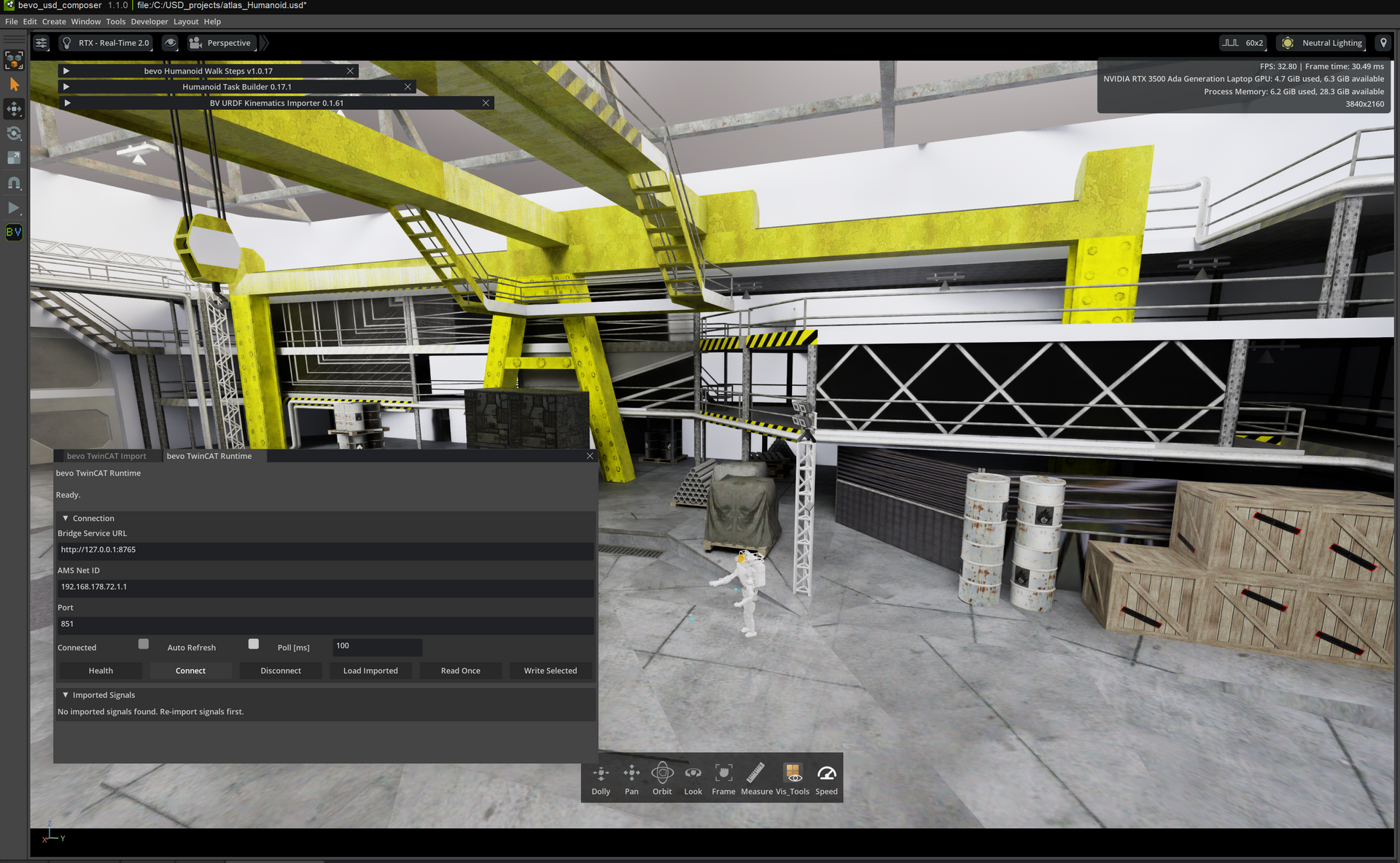
Over time, the extensions became more advanced. Simple visibility tools turned into more complex systems for conveyor technology, material flow, robotics, and industrial user interfaces. Especially when working with large virtual worlds, Omniverse shows its real strengths. Huge amounts of data, large CAD structures, and complex scenes can be displayed with impressive performance.
However, the real value does not automatically come from the platform itself. That is one of the most important points about Omniverse in my opinion: you often have to develop the actual value yourself. USD Composer provides the foundation, APIs, rendering, interfaces, and performance — but the actual industrial workflows, functions, and user interfaces often need to be built on top of it.
Over time, this led to more and more custom extensions, tools, and eventually my own marketplace for USD Composer extensions.
For me, this topic is far from finished. On the contrary, I believe that NVIDIA Omniverse and USD Composer still have enormous potential in industrial environments — especially when the technology is not only seen as a beautiful visualization tool, but as a foundation for real, usable workflows.
My goal is to continue expanding this knowledge, develop my own extensions, and support companies in building meaningful applications based on USD Composer. For me, it is not just about “showing something in 3D”. It is about solving real industrial problems in a simpler, clearer, and more efficient way.
If you are currently getting started with USD Composer, want to develop your own extensions, or would like to understand how Omniverse can be integrated into industrial processes, it is definitely worth getting in touch.
You can find more information about my projects, services, and current developments on my website:
https://www.bv-digitalconsulting.com
You can also find my own extensions and further solutions around USD Composer on my marketplace:
https://marketplace.bv-digitalconsulting.com
Yours, Ben Voelzke